

MAQ AIO: WhatsApp Chat Button
by M A Q Computer Services LLCChat · #571 in category
Tracking since Dec 3, 2025
Listing content
Currently live on the App StoreName
MAQ AIO: WhatsApp Chat Button
Subtitle
Add WhatsApp Chat icon and many more Social Media icons easily
Introduction
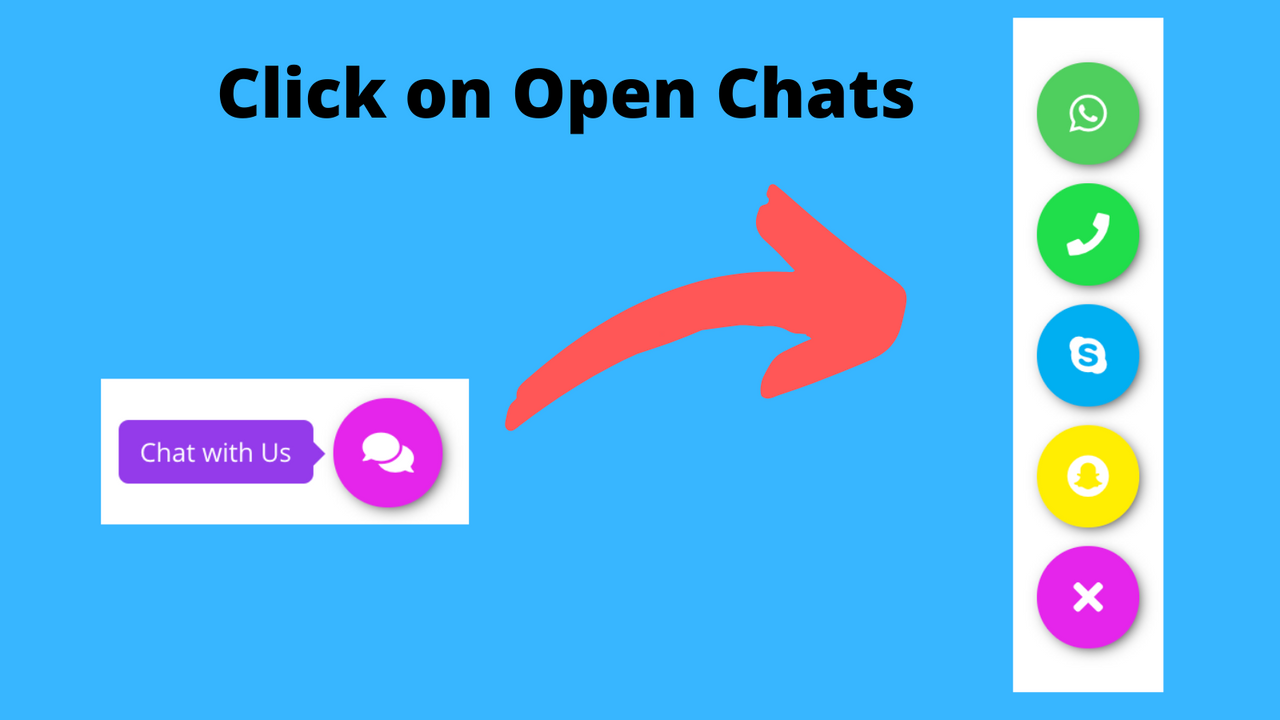
MAQ AIO: WhatsApp Chat Button will add WhatsApp icon, Phone Number, WeChat etc as floating menu.
Details
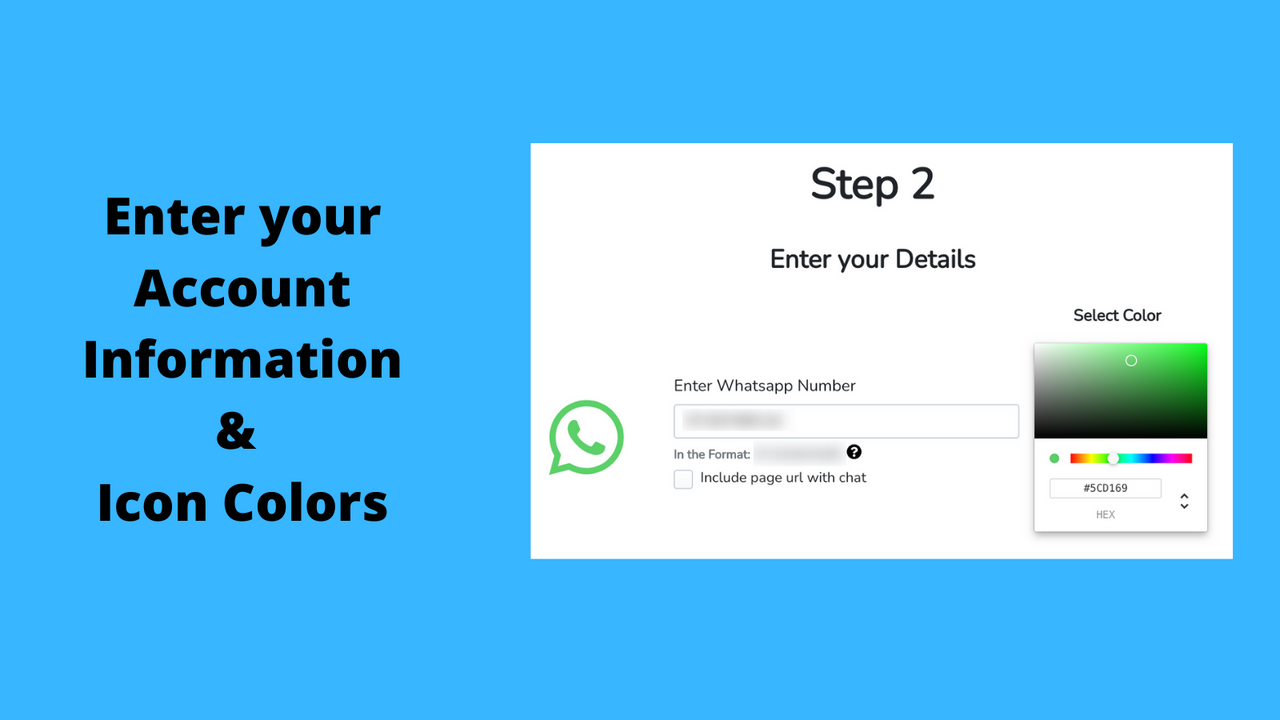
MAQ AIO: WhatsApp Chat Button App helps you to integrate all major social media messaging apps with your store in simple steps. After installing the App you can show different chat options to your website visitors to connect with you. The Social Chat App supports WhatsApp, Email, Call, Facebook Messenger, Skype, Line, We Chat, Snap Chat, Telegram and Live Chat etc. The App is very easy to install and configure.
Pricing
3 plansfreeFree
- Unlimited WhatsApp Chat
- WhatsApp Chat with Product Link
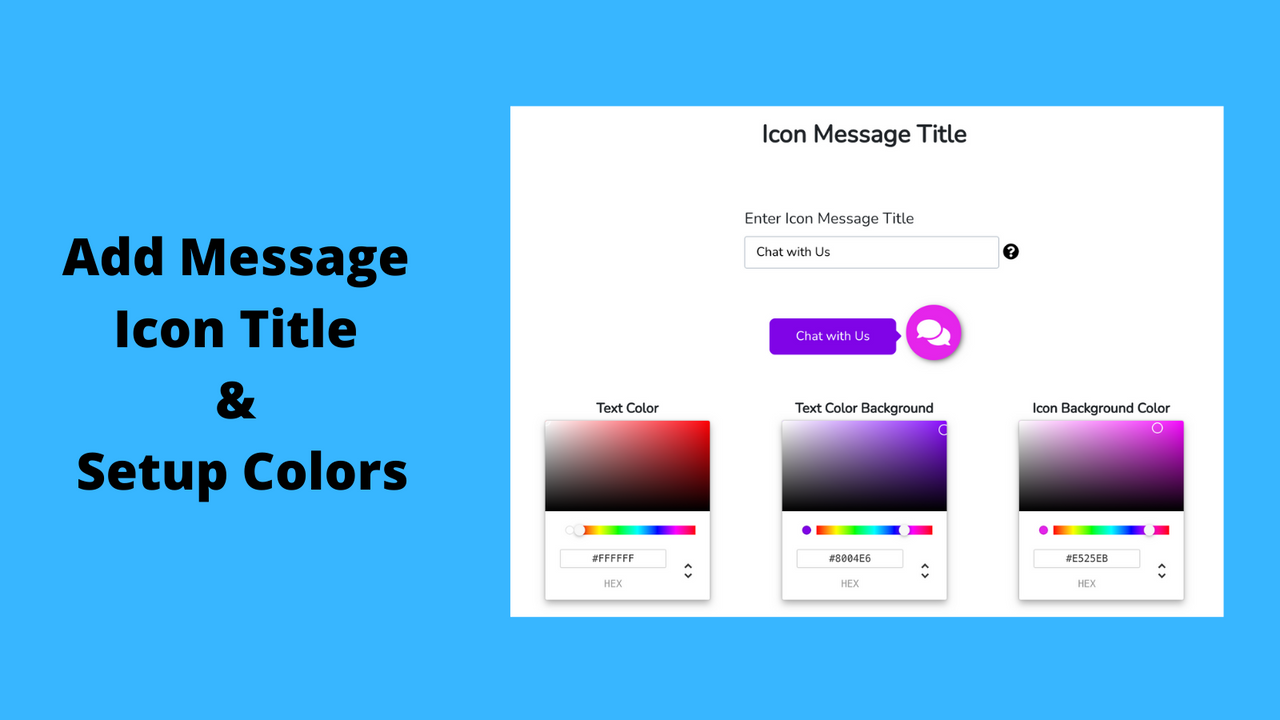
- Easy Customization
- No Coding Skills Required
- Hide Show in Desktop and Mobile
monthly$2.99/mo
7-day free trial- Support up to 10 Chat Apps
- Unlimited Chats
- WhatsApp Chat with Product Link
- Easy Customization
- No Coding
- Hide Show in Desktop and Mobile
yearly$29.99/yr
7-day free trial- Support up to 10 Chat Apps
- Unlimited Chats
- WhatsApp Chat with Product Link
- Easy Customization
- No Coding
- Hide Show in Desktop and Mobile
Media
6 assets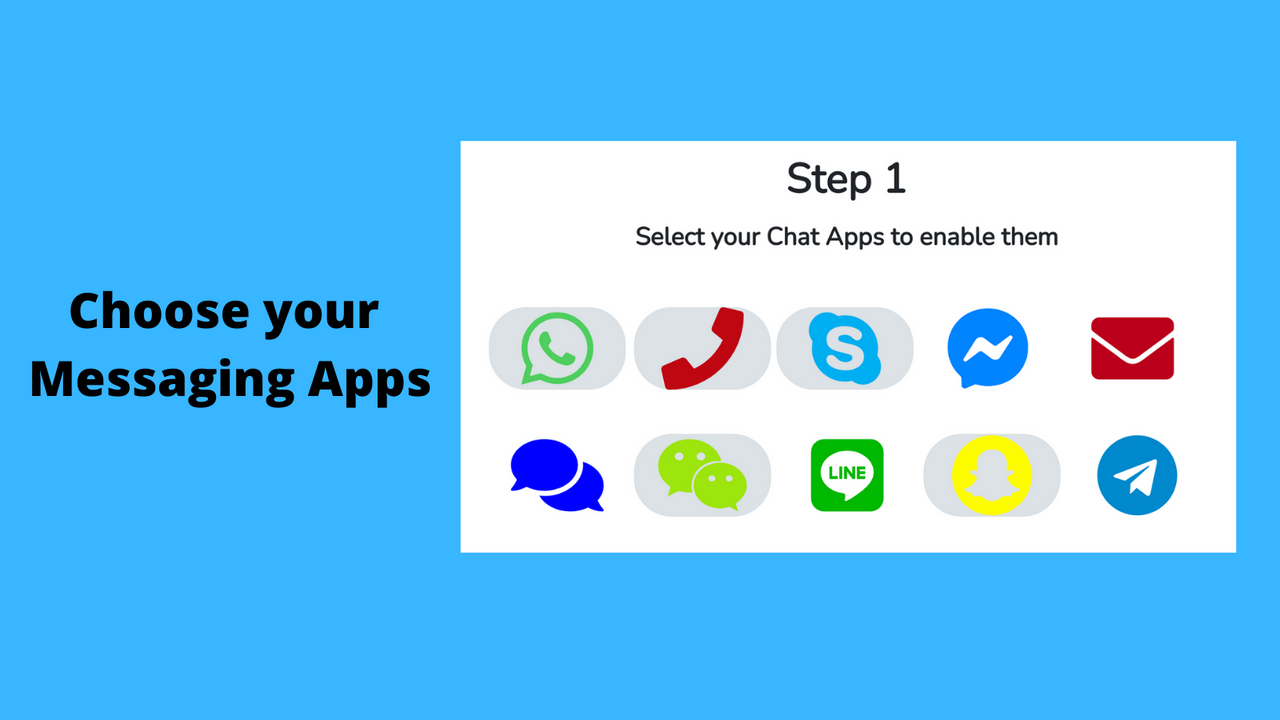

Developer
M A Q Computer Services LLC3.5 ★ across all apps2 apps published